 Rusti.Red
 One job, start to paid
The shortest path through one service call. Elena books, Karen in the office schedules it, and Jordan goes, writes the note, finishes, and takes a check. Eight steps.
Elena, the homeowner
Elena books
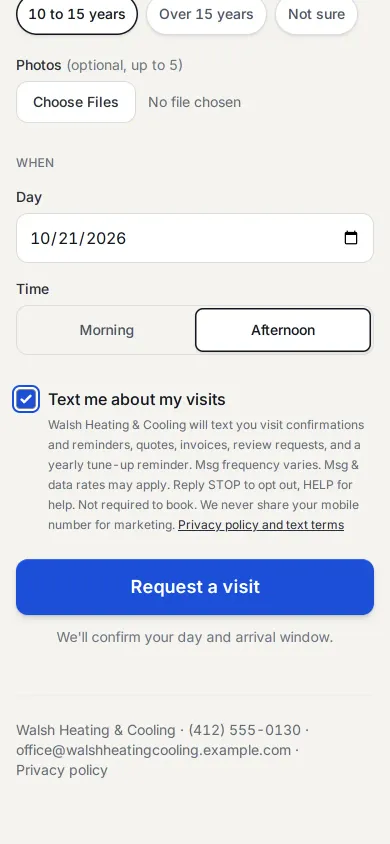
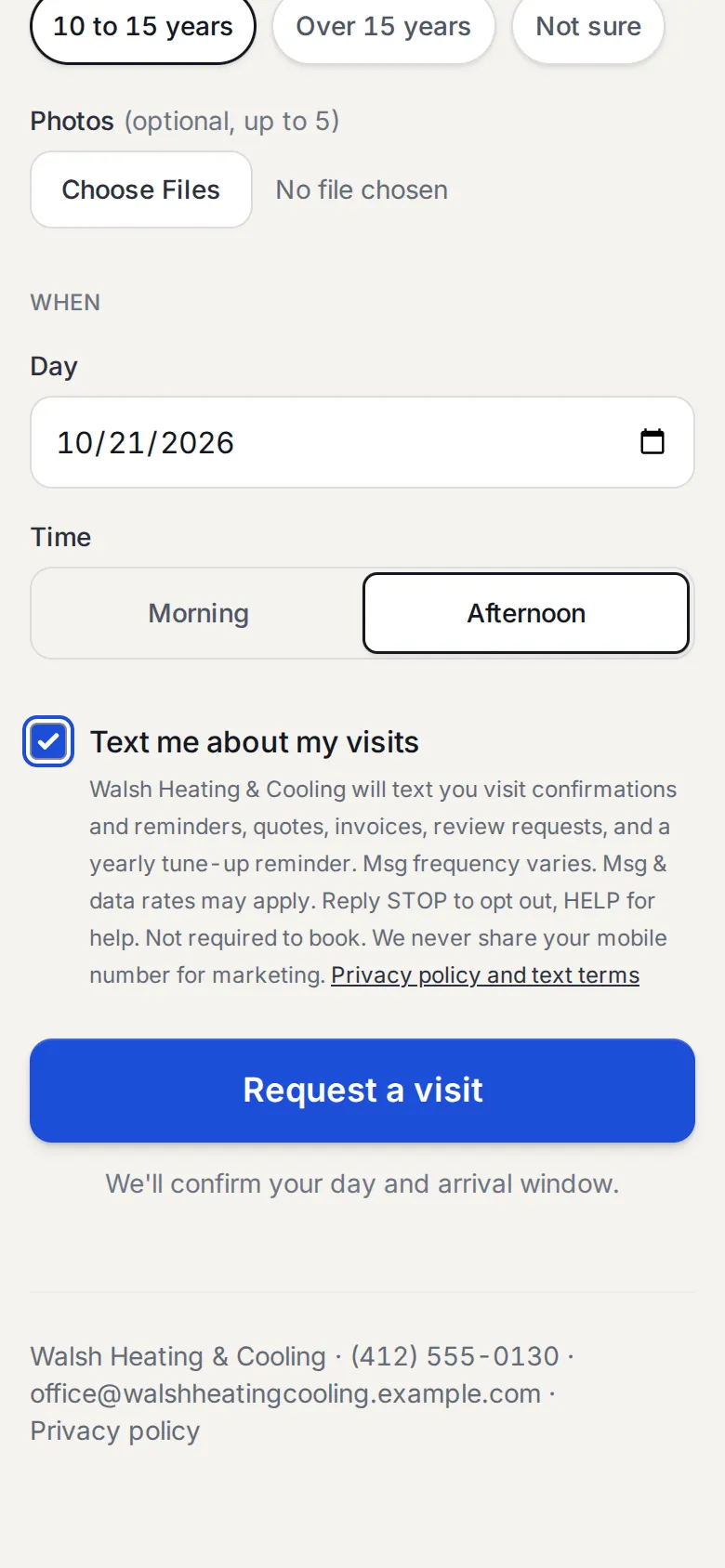
No account and no app: your shop’s own booking page, at its own address on rusti.red. The box for texts is optional. The request waits on your Schedule, and an email tells her it arrived.
Fill in her name, mobile, address, and the problem, pick a day and a time of day then Request a visit
Karen, in the office
Karen schedules it
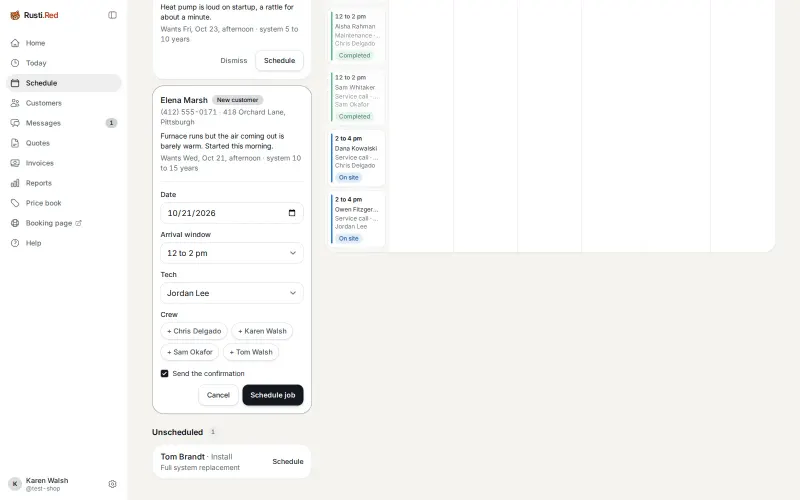
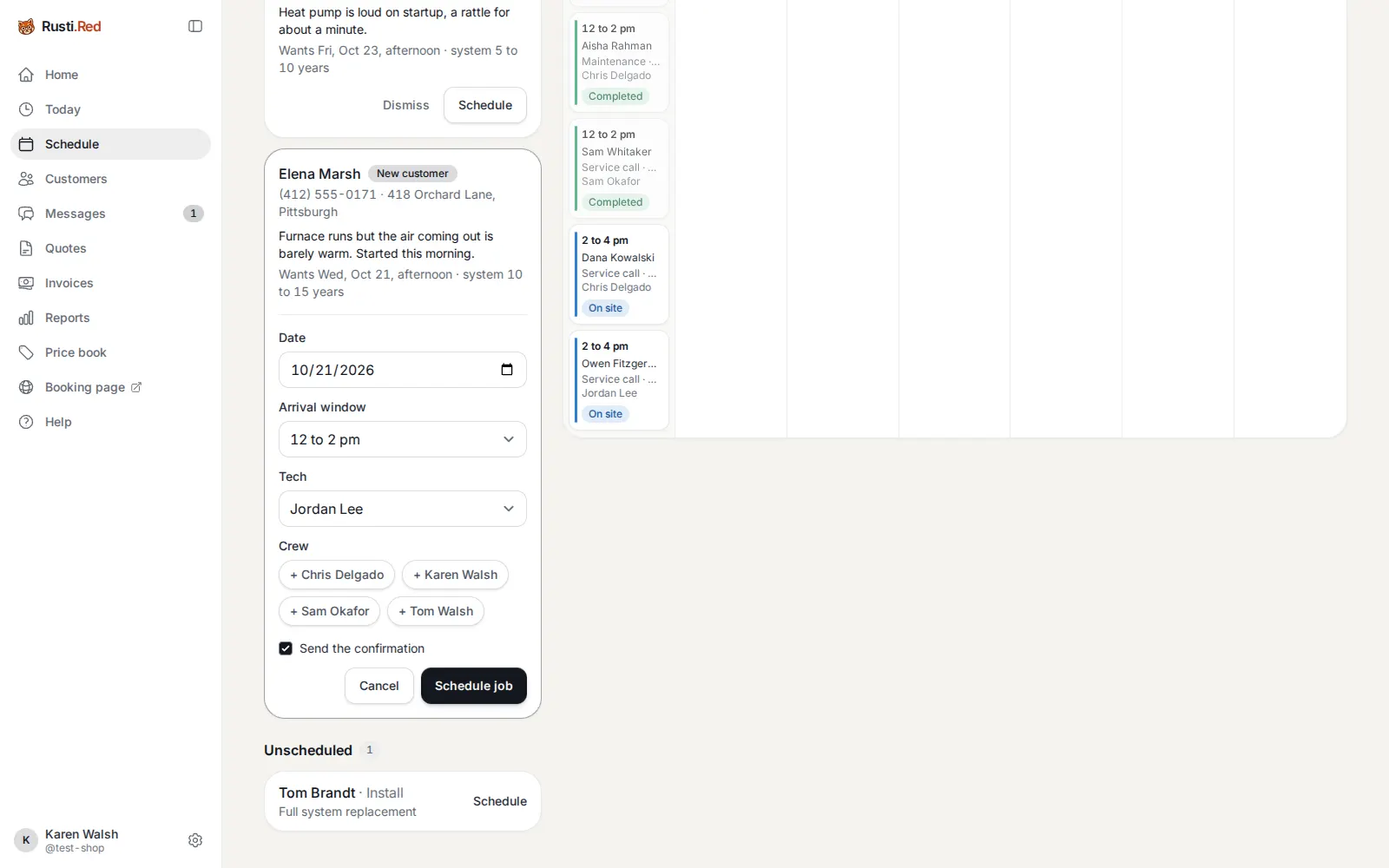
Elena’s day and time are filled in. Karen picks the two-hour window and the tech. Elena gets the confirmation by email. Until your texting is approved, Karen sends the text from her phone.
Schedule on Elena’s request, on Schedule then pick the Tech then Schedule job
Jordan, the tech
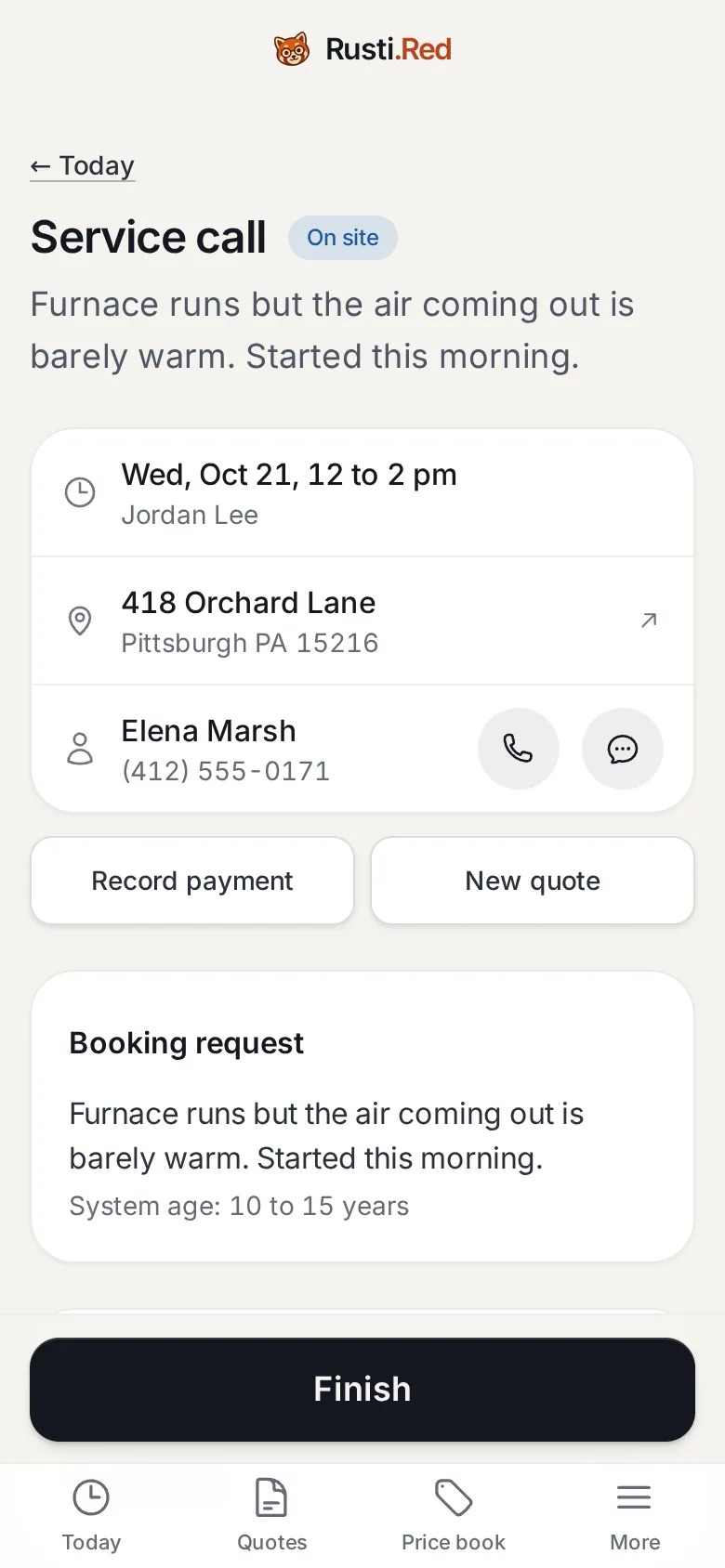
Jordan heads out
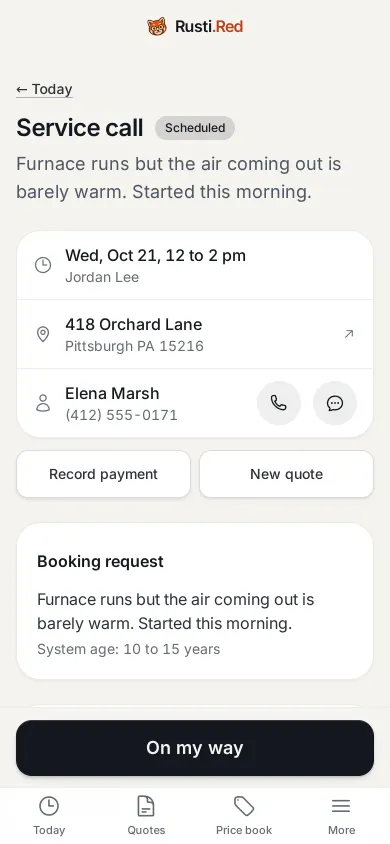
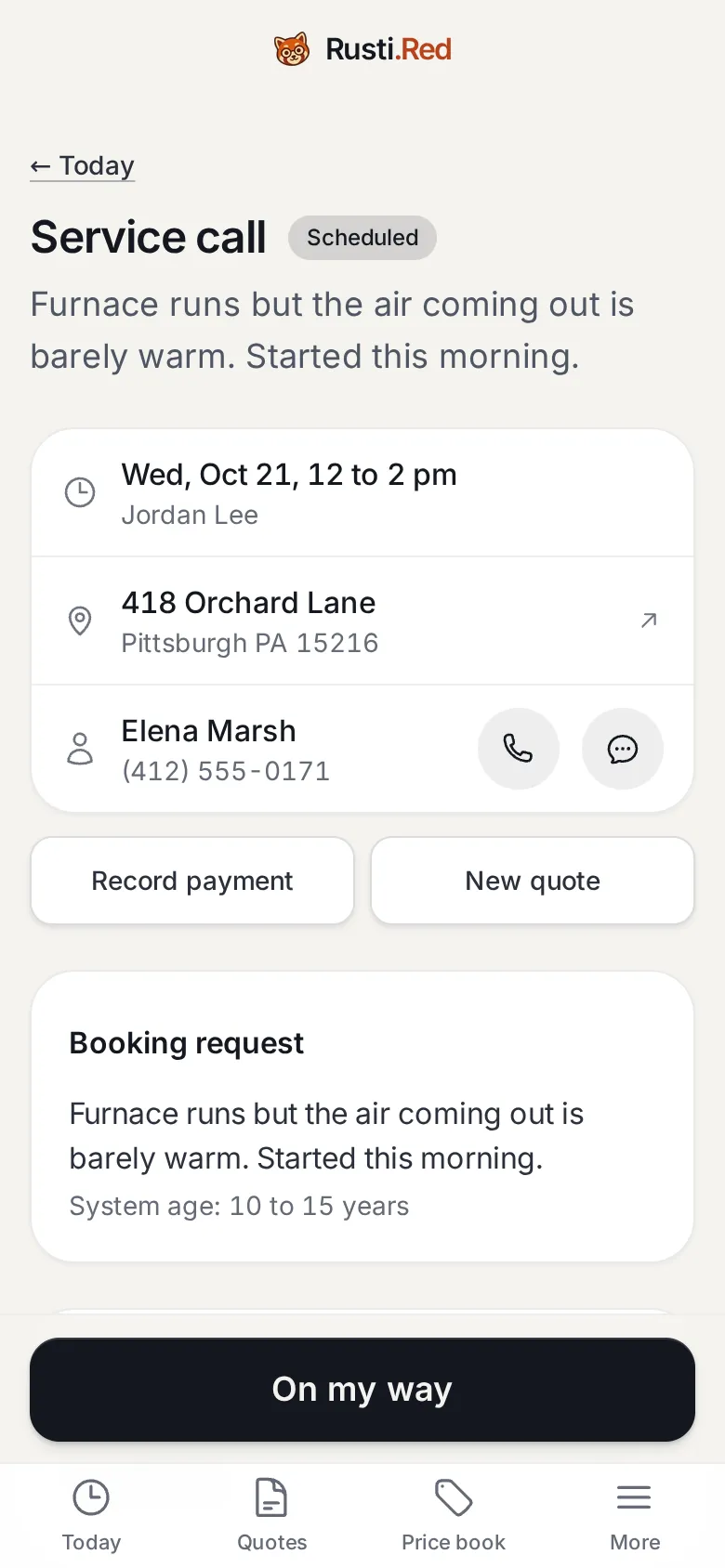
His day lists the visit with its window and her address. One tap marks him on the way and writes the on-my-way message with his name and the window.
Open Elena’s visit on Today then On my way
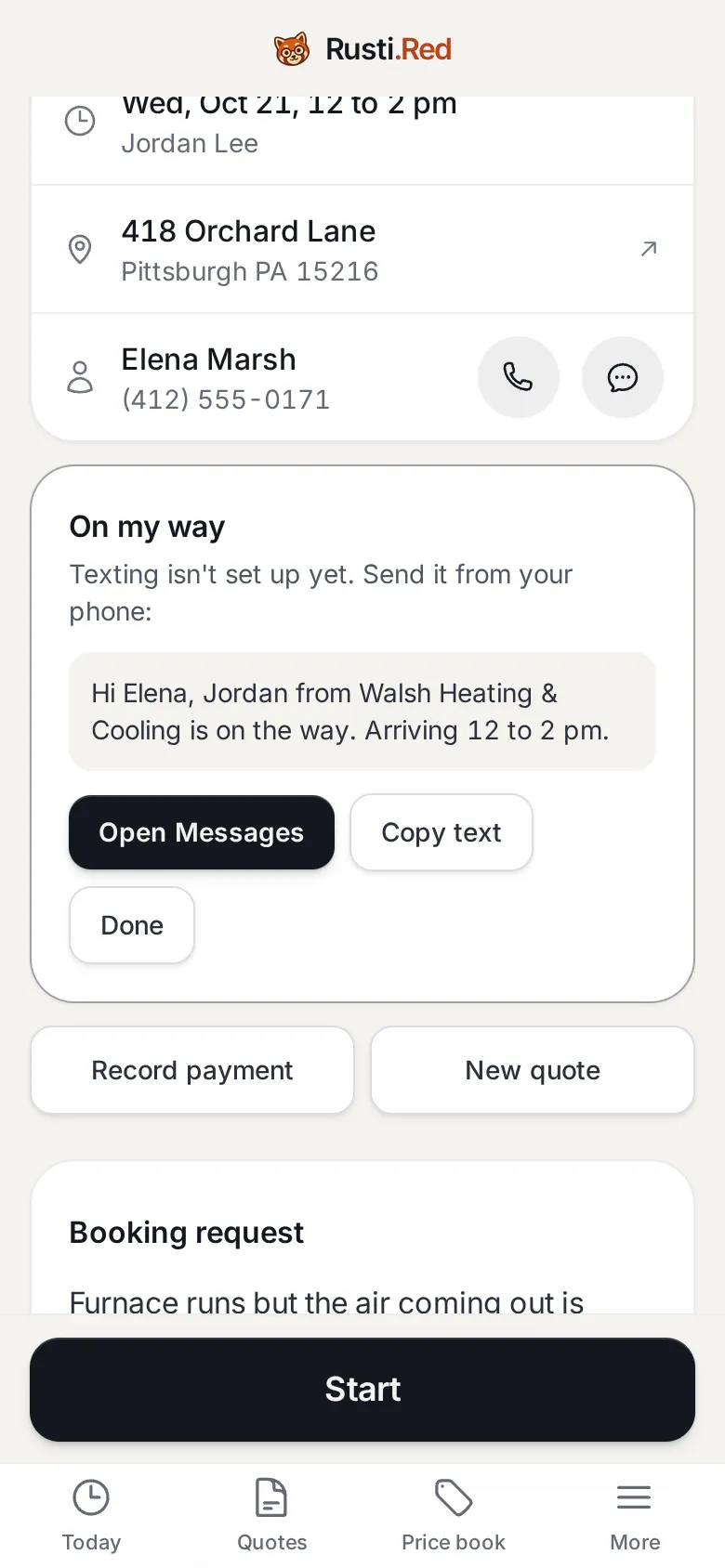
Start
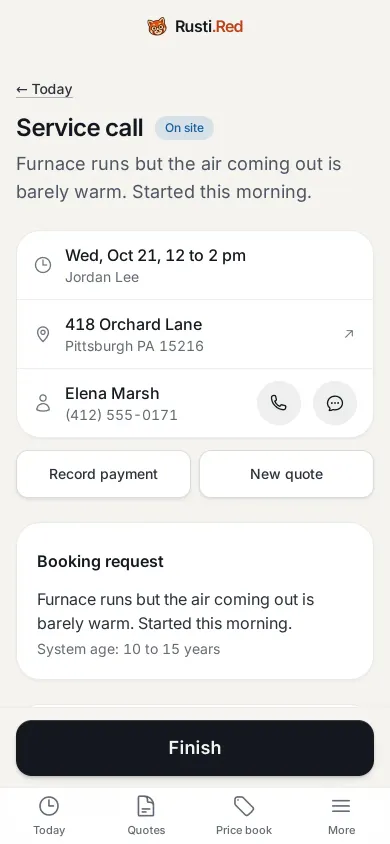
Until your texting is approved, every text opens like this, ready to send from his phone. Elena gets the email either way. Start tells the office he’s on site.
Open Messages to send it then at the door, Start
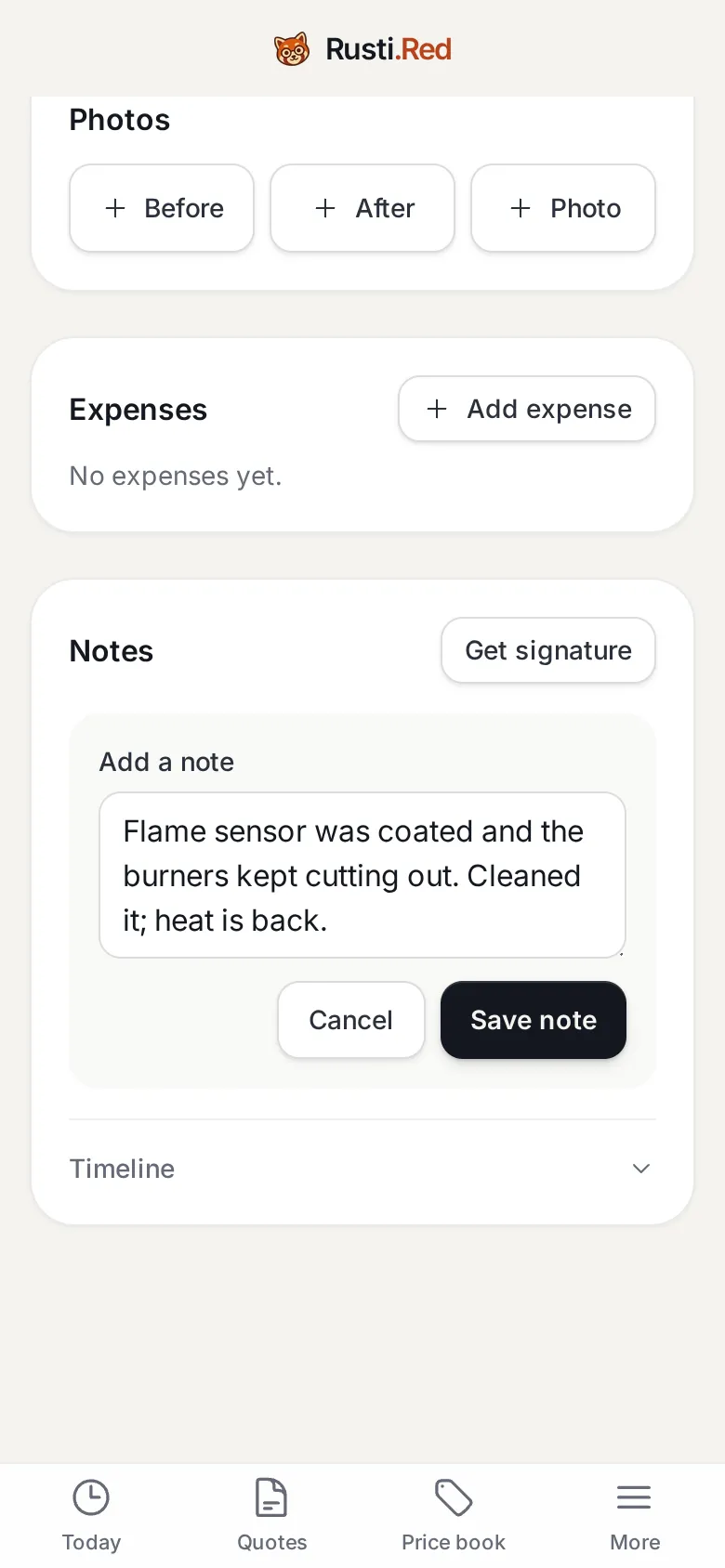
The note
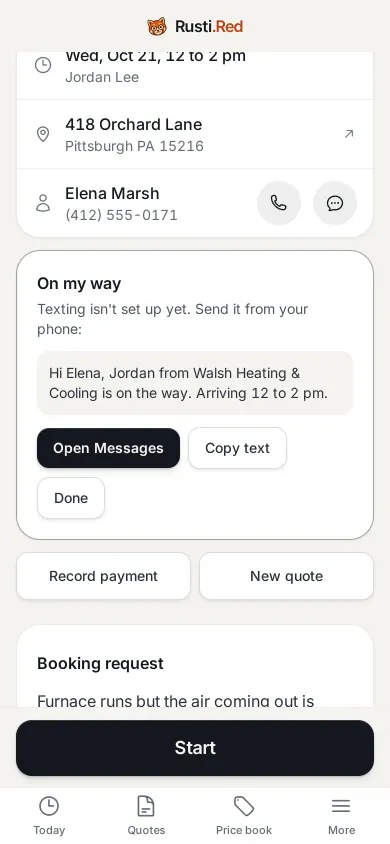
Service calls need a note before Finish. Set what each kind of job needs in Settings, Jobs and arrival windows.
Add note then what he found and did then Save note
Finish
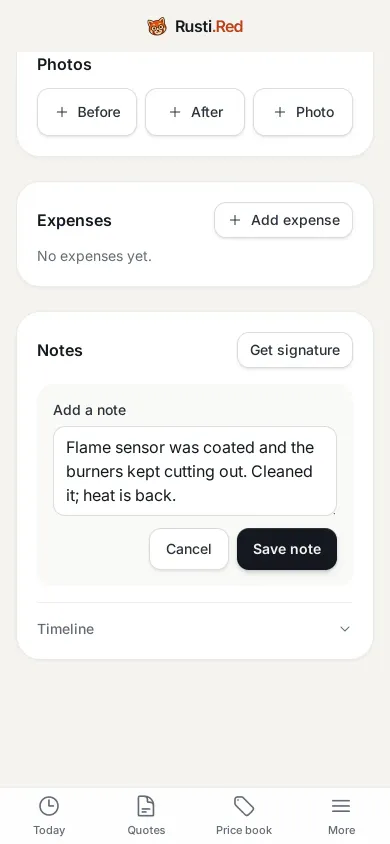
One tap closes the visit and builds the invoice. No quote? It bills the service call’s default item: the $89.00 diagnostic fee. Elena gets it by email with a link to pay by card. Jordan sends the text.
Finish
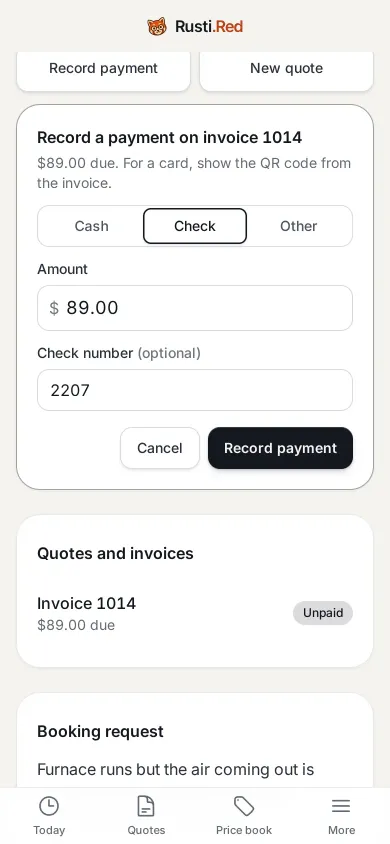
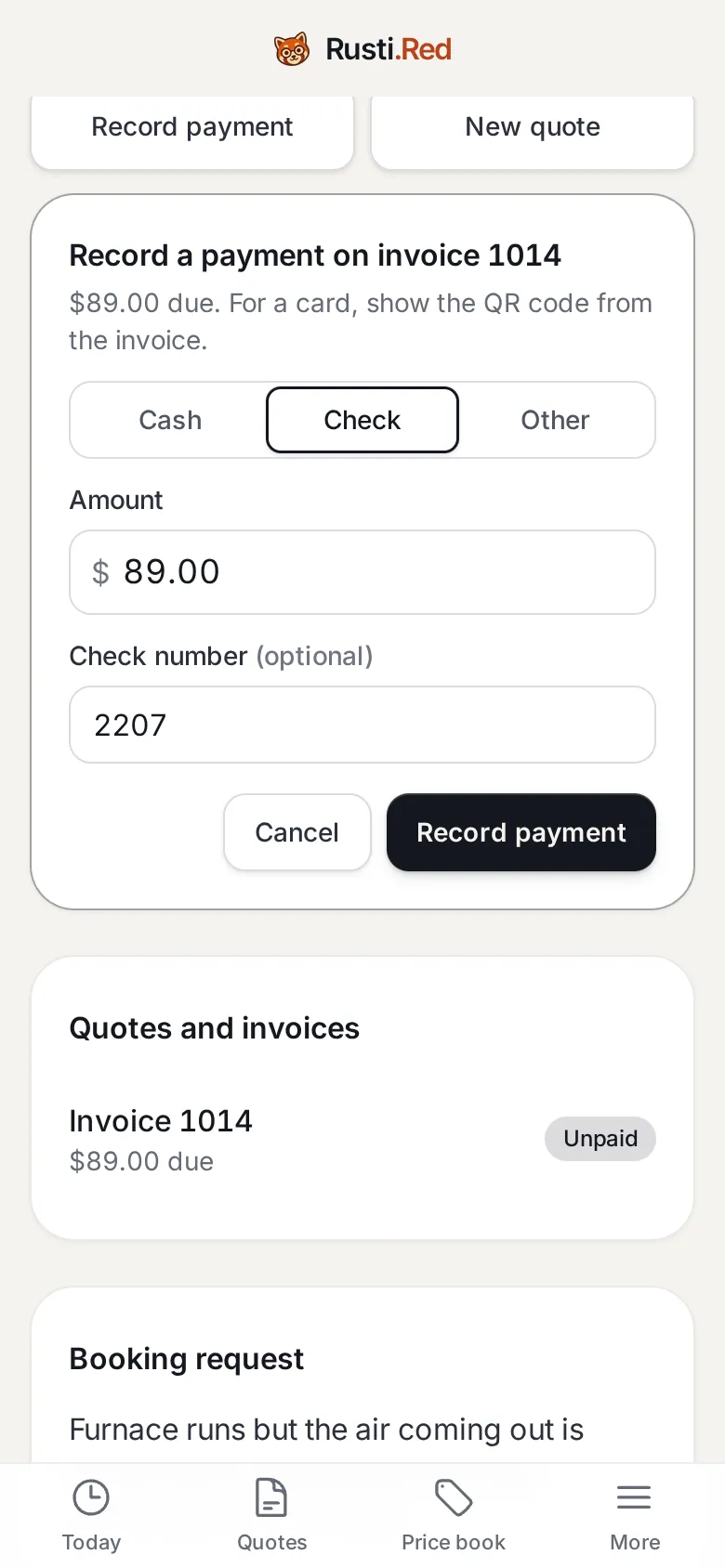
Paid by check
The amount due is filled in. Check number optional. With Stripe connected, Elena pays by card from her invoice link instead.
Record payment then Check then Record payment
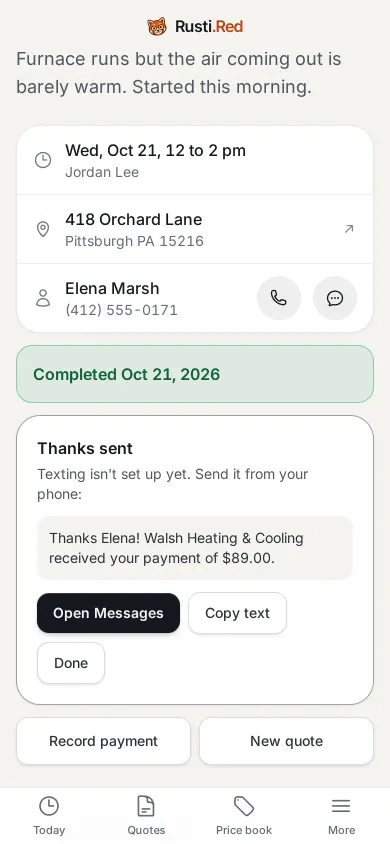
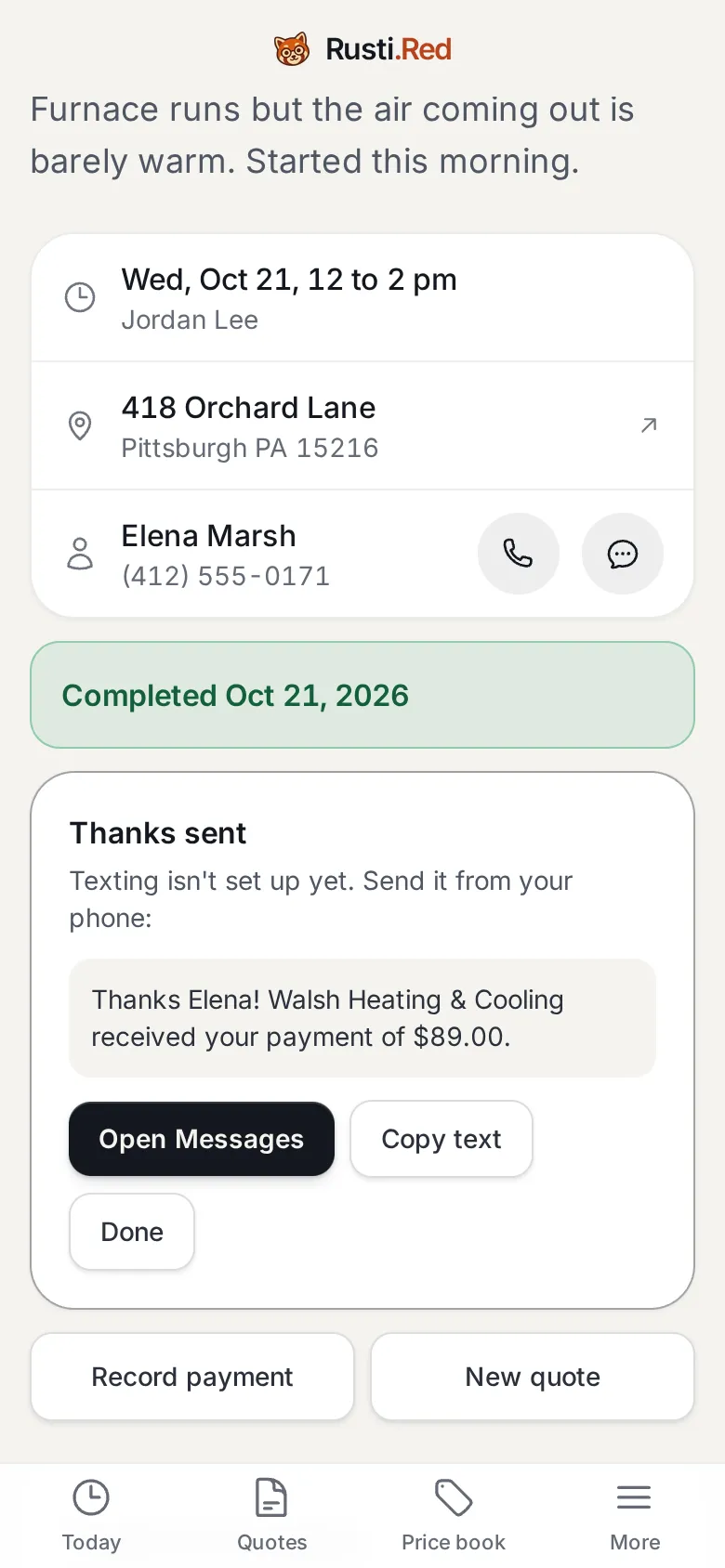
Paid in full
Paid. Reminders stop. Elena gets a thank-you by email; until texting is approved, Jordan sends the text. The review request and next year’s tune-up reminder book themselves.
What the full tour adds
Equipment on file, a quote from the price book signed on Jordan’s phone, a QR code for a card at the door, the invoice on Elena’s phone, and her record in the office. All on this same job, then a replacement with a deposit and an install, then the owner’s setup.
Take the full tourSend your first quote today
Set up in about ten minutes, starting from an HVAC price book that's already filled in. Month to month.
Get started